> ## Documentation Index
> Fetch the complete documentation index at: https://docs.adminest.com/llms.txt
> Use this file to discover all available pages before exploring further.
# Welcome to Adminest
> Your AI-powered document management and life admin assistant.
## What is Adminest?
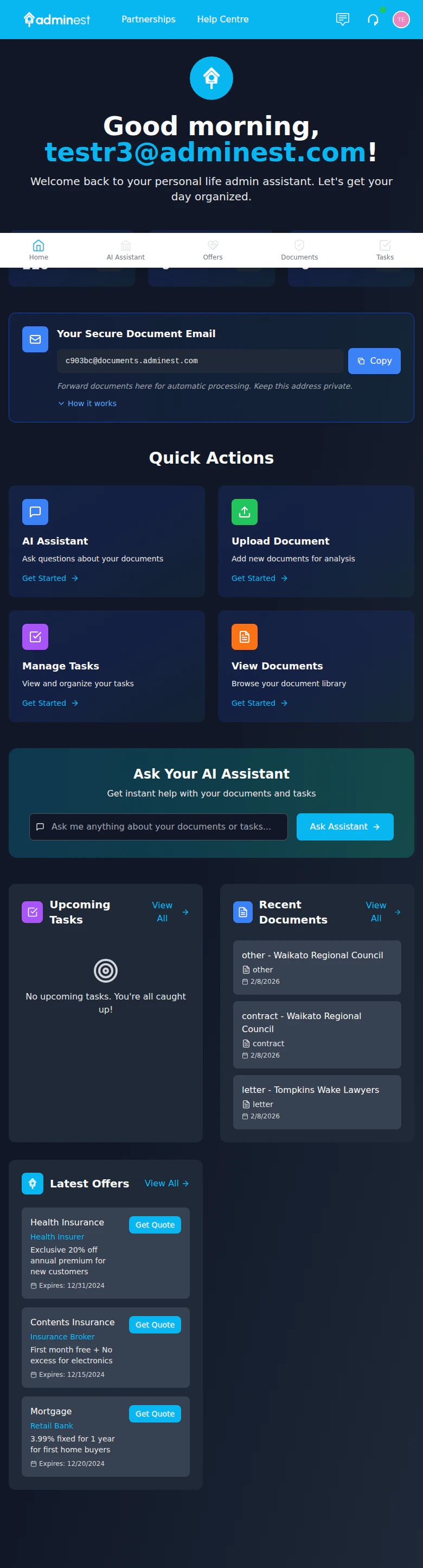
Adminest is an intelligent document management platform that helps you organize your life admin. Upload documents like insurance policies, bills, and contracts - our AI automatically extracts key information, creates tasks, and keeps you on top of deadlines.
AI extracts dates, amounts, and key details automatically
Never miss a renewal or payment deadline
Tasks sync to Google or Microsoft Calendar
Collaborate with trusted connections
## See It in Action
 ## How It Works
Drag and drop PDFs, images, or photos of your documents
Adminest extracts key information in seconds - policy numbers, due dates, amounts
Renewal reminders and payment deadlines are created automatically
Get push notifications, weekly digests, and calendar reminders so nothing slips through
## Dark Mode & Light Mode
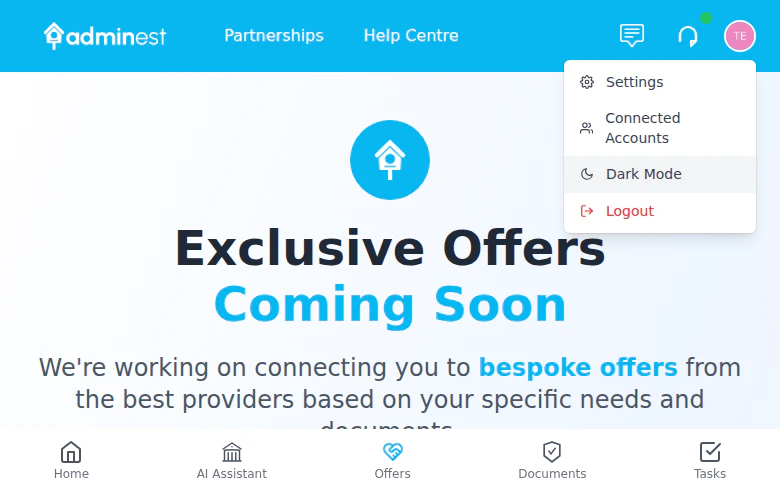
Adminest fully supports both dark and light themes across all pages, including the waitlist, error messages, and investor views. Toggle between them using the theme switch in the navigation bar.
## How It Works
Drag and drop PDFs, images, or photos of your documents
Adminest extracts key information in seconds - policy numbers, due dates, amounts
Renewal reminders and payment deadlines are created automatically
Get push notifications, weekly digests, and calendar reminders so nothing slips through
## Dark Mode & Light Mode
Adminest fully supports both dark and light themes across all pages, including the waitlist, error messages, and investor views. Toggle between them using the theme switch in the navigation bar.
 ## Quick Links
Get started in 5 minutes
Forward emails to auto-process documents
Upload and manage documents
Track and complete tasks
## Quick Links
Get started in 5 minutes
Forward emails to auto-process documents
Upload and manage documents
Track and complete tasks